E-mail Notifications
SUSE® Observability can send real-time notification e-mail when state changes occur in the monitor. For example, when a monitor transitions to CRITICAL, DEVIATION, or back to OK.
This guide explains how to set up e-mail notification channels.
Configure the e-mail channel
-
Open the notifications page via the link in the bottom half of hamburger menu in the SUSE Observability UI.
-
Click the Add new notification button.
-
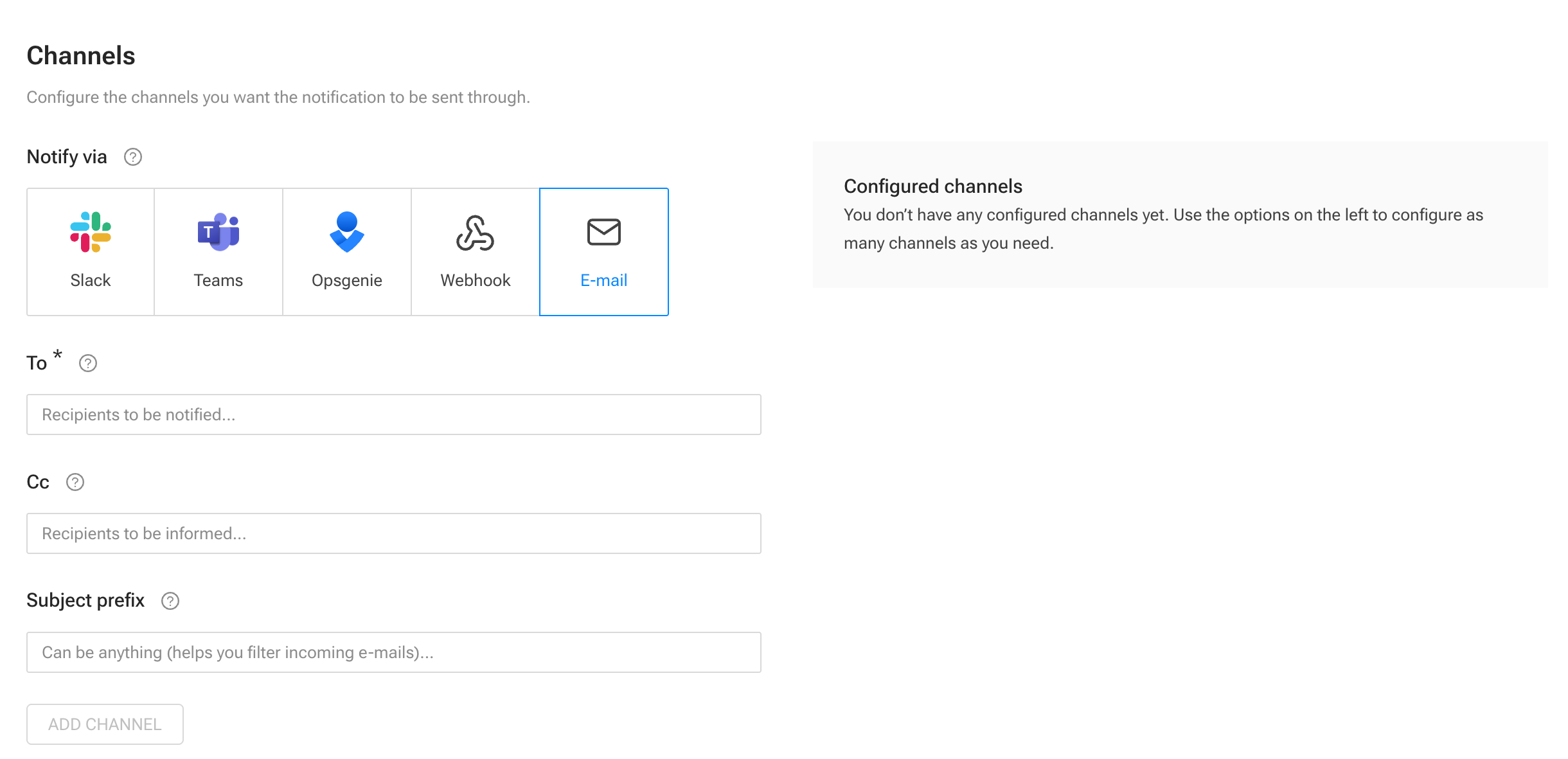
In the Add new notification screen, select Email in the Channels section.
-
Fill in the required channel parameters and click ADD CHANNEL.
-
To: Comma-separated list of target e-mail addresses to be notified (for example,
ops@example.com, dev-team@example.com). -
Cc: Comma-separated list of target e-mail addresses to be informed (for example,
ops@example.com, dev-team@example.com). -
Subject prefix: e-mail subject to easily filter out incoming e-mails.
-
-
Click the Test button on the right to send a test e-mail and verify the setup.
-
After successful verification, click SAVE CHANGES.